Office Files and Whole Folders, Ready for Any AI
1FileTool 1.11.1 turns Word, Excel and PowerPoint files, PDFs and whole folders into clean Markdown with real token counts, on your own computer, ready to hand to any AI.
You have a 40-page Word report, a workbook with six sheets and a slide deck from last quarter, and you want an AI to make sense of all three. So you open each one, select everything, paste it into a chat window, and watch the tables collapse into a wall of tab characters. The spreadsheet only gives you the first sheet. The slides lose their order. Halfway through, the chat tells you the conversation is too long, and you have no idea how much of it actually made it in.
Or the files are a code project and you want an assistant to review what you changed today. You paste three files, forget the fourth, and then realise you just pasted a .env with a live key in it.
None of this is hard. It is just tedious, and every shortcut either uploads your documents somewhere or makes you guess.
What changed
1FileTool 1.11.1 adds two new sections built for exactly this: Office, for Word, Excel and PowerPoint files, and AI Context, for turning any document or folder into something a model can read well. Now you can take a stack of Office files or a whole project, get clean Markdown and an honest token count out of it, and hand it to an AI without opening Microsoft Office and without uploading anything.
Everything runs on your computer, like every other tool in 1FileTool.
How it works in practice
Office files, without Office
The new Office section has ten tools: Office to Markdown, Office to Text, Office to PDF, Office to HTML, Excel to CSV, Office to JSON, Convert Format, Extract Images, Strip Metadata and Document Info.
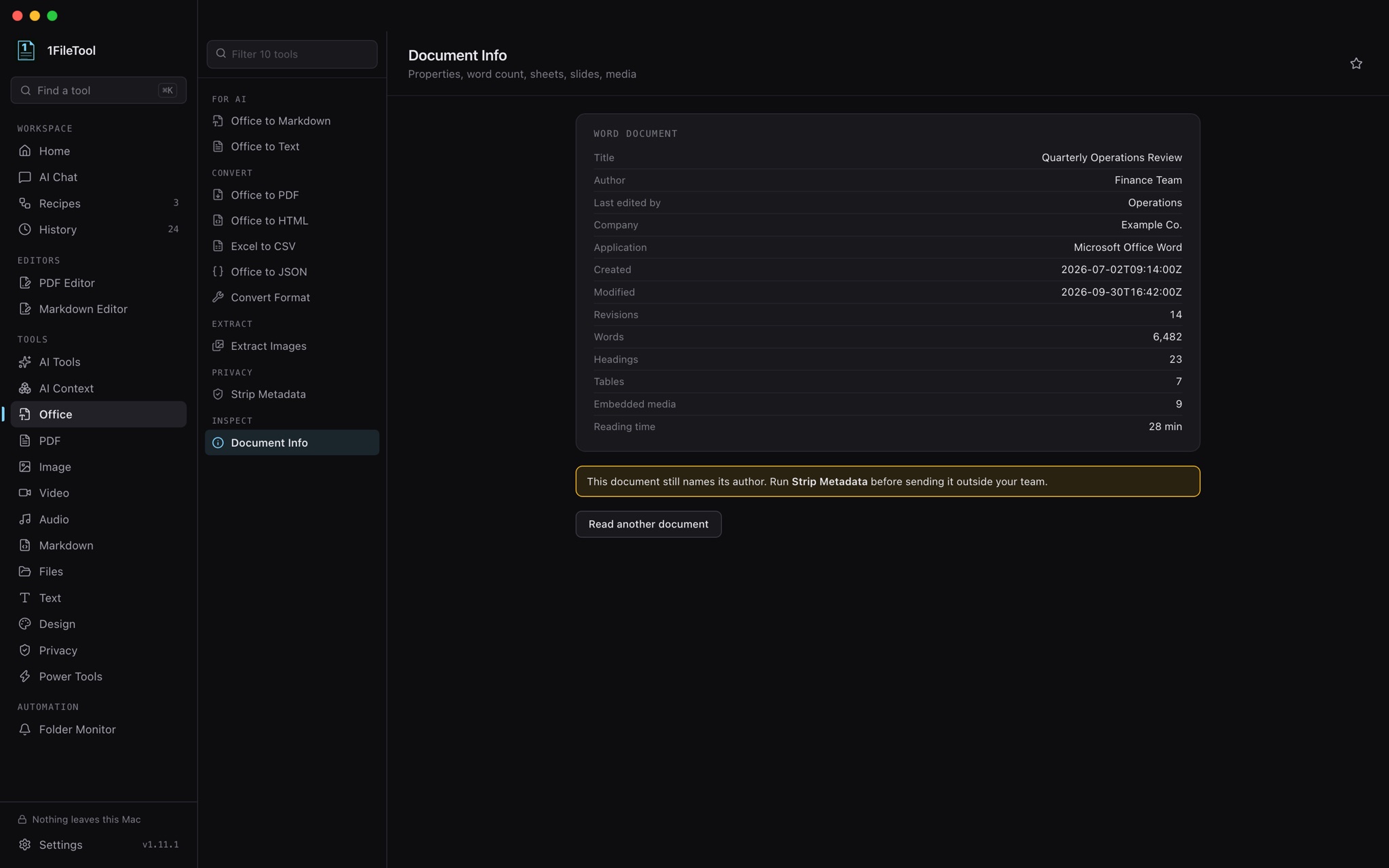
Modern .docx, .xlsx and .pptx files are read directly, so you do not need Microsoft Office installed, and Office to PDF works even without LibreOffice. Excel to CSV exports every sheet of a workbook to its own CSV instead of only the first. Extract Images pulls out every embedded picture. Document Info shows a file's properties, word count, headings, sheets, slides and embedded media at a glance.
Strip Metadata is the one to run before you send a file outside the company: it removes the author, company, revision count and editing time that Word, Excel and PowerPoint quietly keep.
Older formats like .doc, .ppt and .rtf, and OpenDocument files, need a converter that 1FileTool does not bundle. If you already have LibreOffice, Settings → Add-ons finds it and uses it for those formats and for converting between Office and OpenDocument. 1FileTool never downloads or installs it for you.
You can also right-click a Word, PowerPoint, RTF or OpenDocument file in Finder or File Explorer and open it with 1FileTool, and the matching tools are offered straight away.
Turn any document into Markdown an AI reads well
In AI Context, Convert to Markdown takes Word, Excel, PowerPoint, PDF, HTML, EPUB, CSV, JSON and XML and produces clean Markdown: headings stay headings, tables stay tables, and slides stay in order. Scanned PDFs can go through OCR on the way.
When the result is ready you can Copy text straight to the clipboard, or click Ask an agent to drop it into 1FileTool's AI Chat with the assistant already on your machine.
Know what a file costs before you paste it
Token Counter shows a real token count for a file and which model context windows it fits. Pick the tokenizer that matches your model, GPT-4o, GPT-4, a closest match for Claude, or a rough estimate, and stop finding out the hard way that a document was too long.
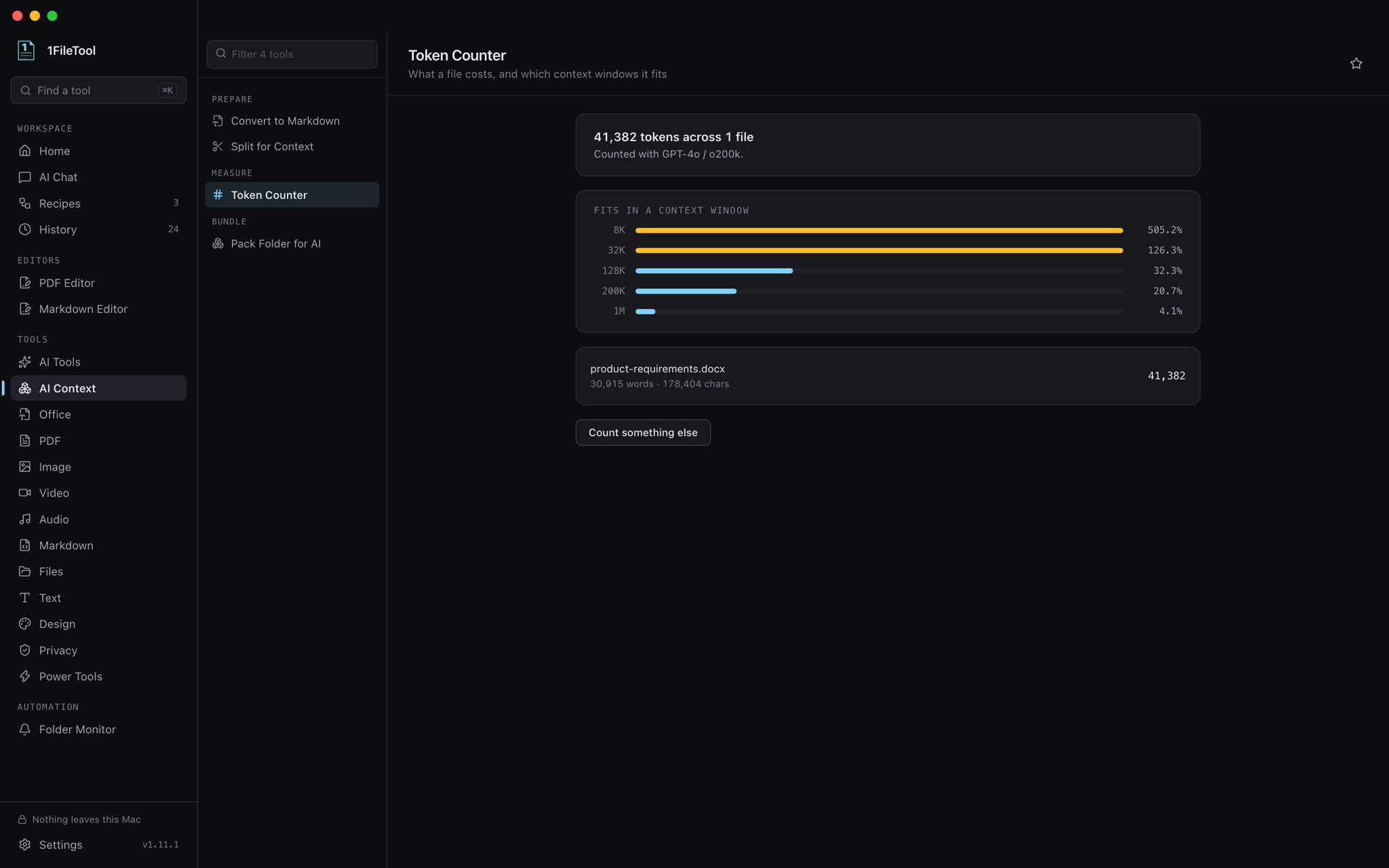
If it is too long, Split for Context breaks it into token-sized parts with overlap, splitting on paragraph boundaries.
Pack a whole folder into one bundle
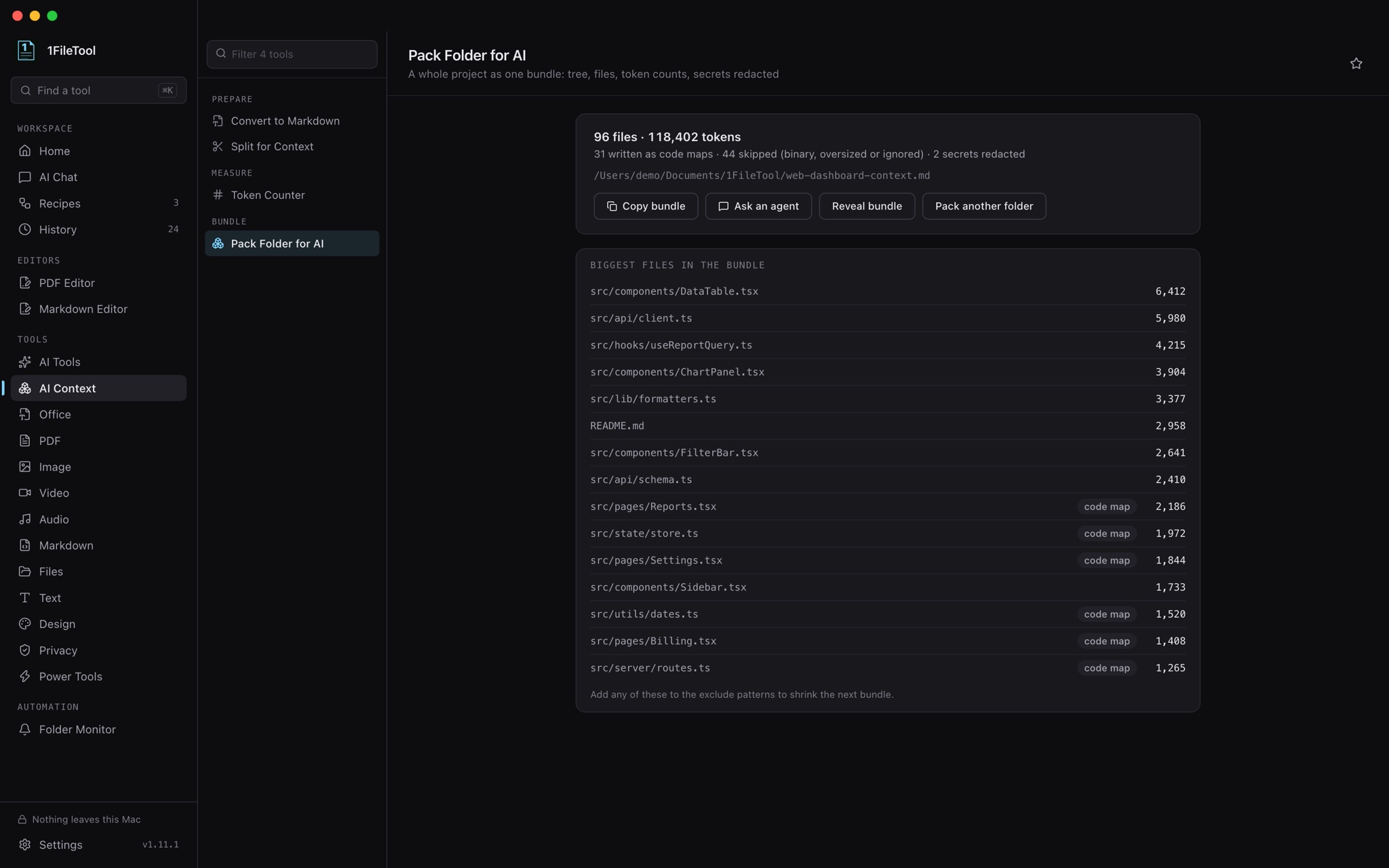
Pack Folder for AI turns a directory into a single file: a tree of the folder, every file's contents and each file's token count. It respects .gitignore, and it redacts secrets such as API keys and tokens before anything leaves your computer, so a stray .env does not end up in a chat.
In a Git repository you can narrow it down. Choose Uncommitted changes, Staged changes, This branch vs its base or Recent commits, and the bundle carries only those files, with the diff at the top.
Big projects have a budget problem, so there are code maps too. Code maps only replaces file bodies with line-numbered outlines of their declarations, at roughly a tenth of the tokens. Auto (full, then code maps) includes full files until half the budget is spent and switches to outlines for the rest.
Let your assistant do it for you
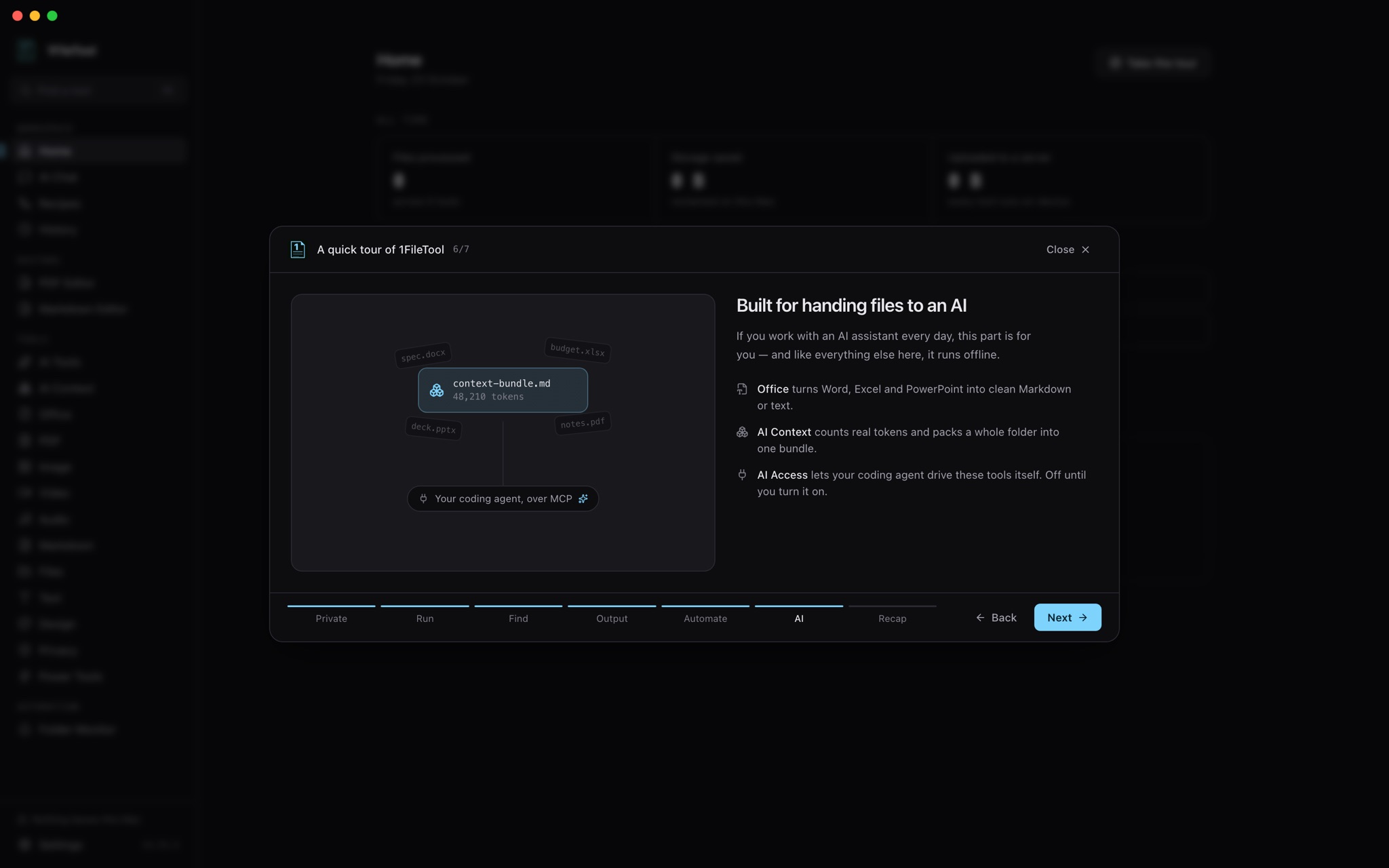
If you use Claude Code, Codex or Gemini, they can now do all of this through the 1FileTool MCP: turn documents into Markdown, count tokens and pack a folder, alongside 12 new Office and context jobs.
They no longer need you to open the app first, either. Turn on Start when your assistant needs it in Settings → AI Access, and a request from your assistant starts 1FileTool in the background with only its menu bar or system tray icon showing. While AI Access is on, closing the window keeps 1FileTool available in the menu bar; Quit still quits.
Automate the boring part
Office to Markdown, Office to PDF, Strip Office Metadata and Convert to Markdown work in Smart Folders, so dropping a file into a watched folder can convert or clean it on its own. Split for Context joins them in recipes. Doc to Markdown and Pack folder for AI sit in Home's quick actions, and new AI Context and Office menus in the menu bar open every tool directly.
A safer app underneath
This release also moves 1FileTool to a current Electron and Chromium that still receive security fixes. Because of that, 1FileTool now requires macOS 13 Ventura or later, and Macs on older versions are not offered the update.
The app now refuses to start if its files have been modified, and it ignores debugging and code-injection settings passed through the environment. The image and spreadsheet engines are updated to close known flaws a crafted image, SVG or spreadsheet could trigger. Downloads refuse a compression format with a recently disclosed decoder flaw. Extracting a .tar or .tgz file whose name contained shell characters can no longer run a command.
New installs also get a guided tour on first launch, covering private processing, running a tool, ⌘K search, where results land, automation and the AI features. You can replay it from Settings → General or the Help menu.
Before vs after
| Getting documents ready for an AI | Before | Now |
|---|---|---|
| Word, Excel or PowerPoint content | Open in Office, copy, paste, lose the tables | Office to Markdown, tables and slide order intact |
| A multi-sheet workbook | Export each sheet by hand | Excel to CSV writes one CSV per sheet |
| How big is it? | Paste it and hope | Token Counter shows the count and which windows it fits |
| A whole project | Paste files one by one, maybe including secrets | Pack Folder for AI, .gitignore respected, secrets redacted |
| Just today's changes | Work out which files changed | Uncommitted, staged, branch or recent-commit packs with the diff |
| Metadata in shared files | Usually forgotten | Strip Metadata removes author, company and edit history |
Who benefits most
Developers using coding agents. Pack only what changed on your branch, keep it in budget with code maps, and let Claude Code or Codex call the same tools over MCP.
Analysts and writers with Office-heavy work. Turn reports, workbooks and decks into Markdown for summaries and comparisons without retyping tables.
Anyone who sends files outside the company. Strip the author and revision history from Office files before they go out, without opening each one.
Try it
1FileTool 1.11.1 is available now, and existing installs on macOS 13 or later will offer the update. Open the new Office or AI Context section, drop in the document you were about to paste by hand, and copy back something an AI can actually use.
From across the StoicSoft network
Hand-curated reads on the same topic from sister sites in the StoicSoft family.
 1AIVault5 min read
Lock Your AI Memory Behind a Passphrase
Your AI memory vault is local-first — but local isn't the same as private. Vault Lock puts a passphrase in front of it, and while locked even MCP-connected AI tools can't read a thing.
Read on 1aivault.com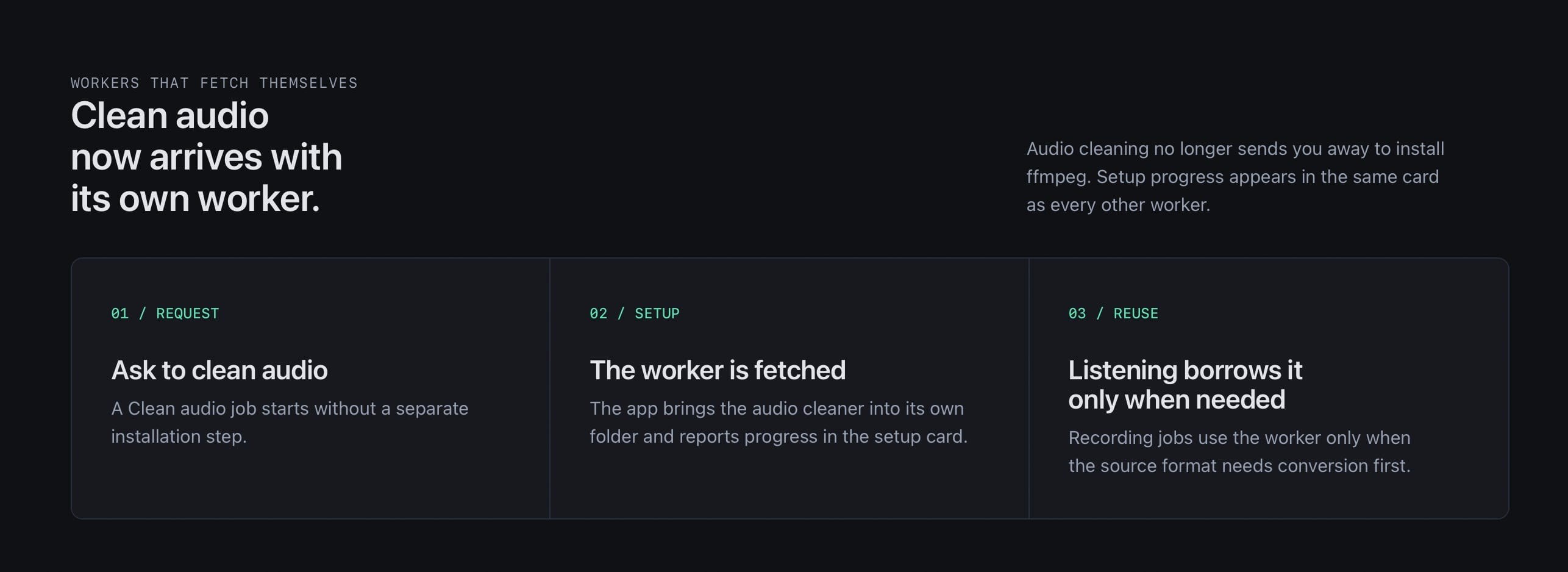 1LocalAITool6 min read
Clean up a noisy recording on your own computer, no ffmpeg to install
Take hum, hiss and rumble out of a voice memo or interview without uploading it anywhere. In 0.6.0 the audio cleaner installs itself the first time you need it.
Read on 1localaitool.com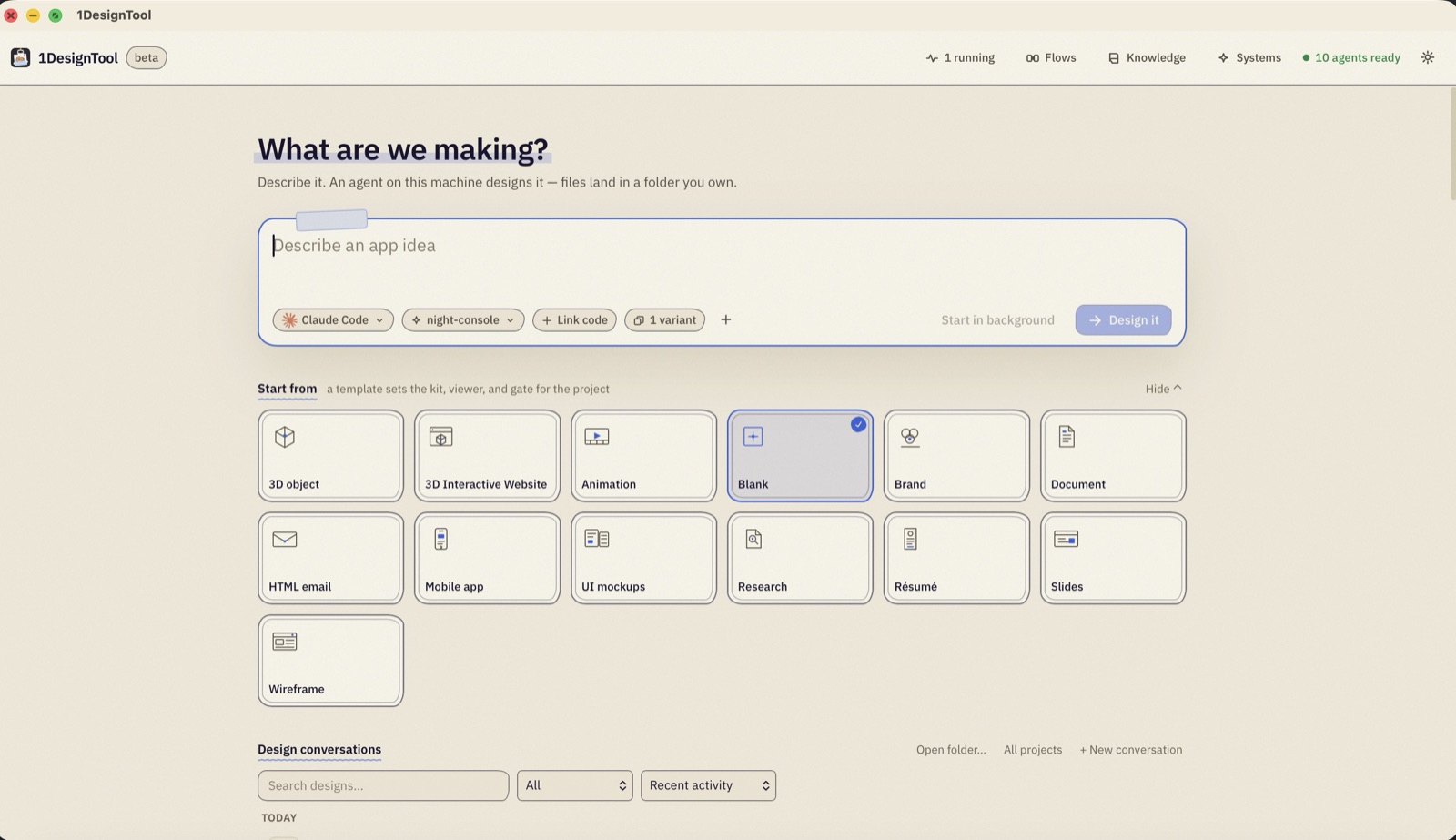 1DesignTool5 min read
Inside a run: one sentence in, a folder you own out
A walkthrough of a single 1DesignTool run — the four decisions in the prompt box, the two panes you watch it in, and the files it leaves on your disk when it is done.
Read on 1designtool.com