Blog
Guides, tips, and insights on file processing, privacy-first workflows, PDF tools, batch operations, and more. Everything we write about runs locally on your desktop — no uploads, no subscriptions.
Featured

Talk to Your Files Using the AI You Already Have Installed
1FileTool now has an AI Chat built in. Attach files or a folder, ask in plain language, and the coding assistant already on your machine answers — your files never upload.
Read more
Every 1FileTool Tool Is Now One Menu Click Away
1FileTool 1.9.1 puts all 200+ tools in the menu bar. Image, Video, Audio and PDF get their own menus, Tools holds the rest, Go returns you to your workspace, and ⌘, opens Settings from anywhere.
Read moreAll posts
 featuresJul 25, 20267 min
Let Your AI Assistant Use Your File Tools — Without Uploading Anything
1FileTool now exposes 64 of its tools to Claude Code, Codex and Gemini over MCP. Ask for the work in plain language and it runs locally — your assistant sends instructions, never your files.
 featuresJul 19, 20265 min
Remove image backgrounds offline — no upload, no subscription
1FileTool v1.8.0 adds on-device Background Removal: cut out image backgrounds fully offline, batch a whole folder at once, and export transparent PNGs — with nothing ever uploaded.
 featuresJul 13, 20264 min
Read any document aloud and clean up audio — all on your device
1FileTool's new AI Tools turn documents into natural speech, make chaptered audiobooks, and clean up noisy recordings — entirely offline, with nothing uploaded.
 featuresJul 1, 20263 min
Drop Folders Straight Into 1FileTool
1FileTool v1.3.1 lets you drop or select whole folders so each tool can collect supported files, skip duplicates, and build cleaner batches locally.
 featuresJun 26, 20265 min
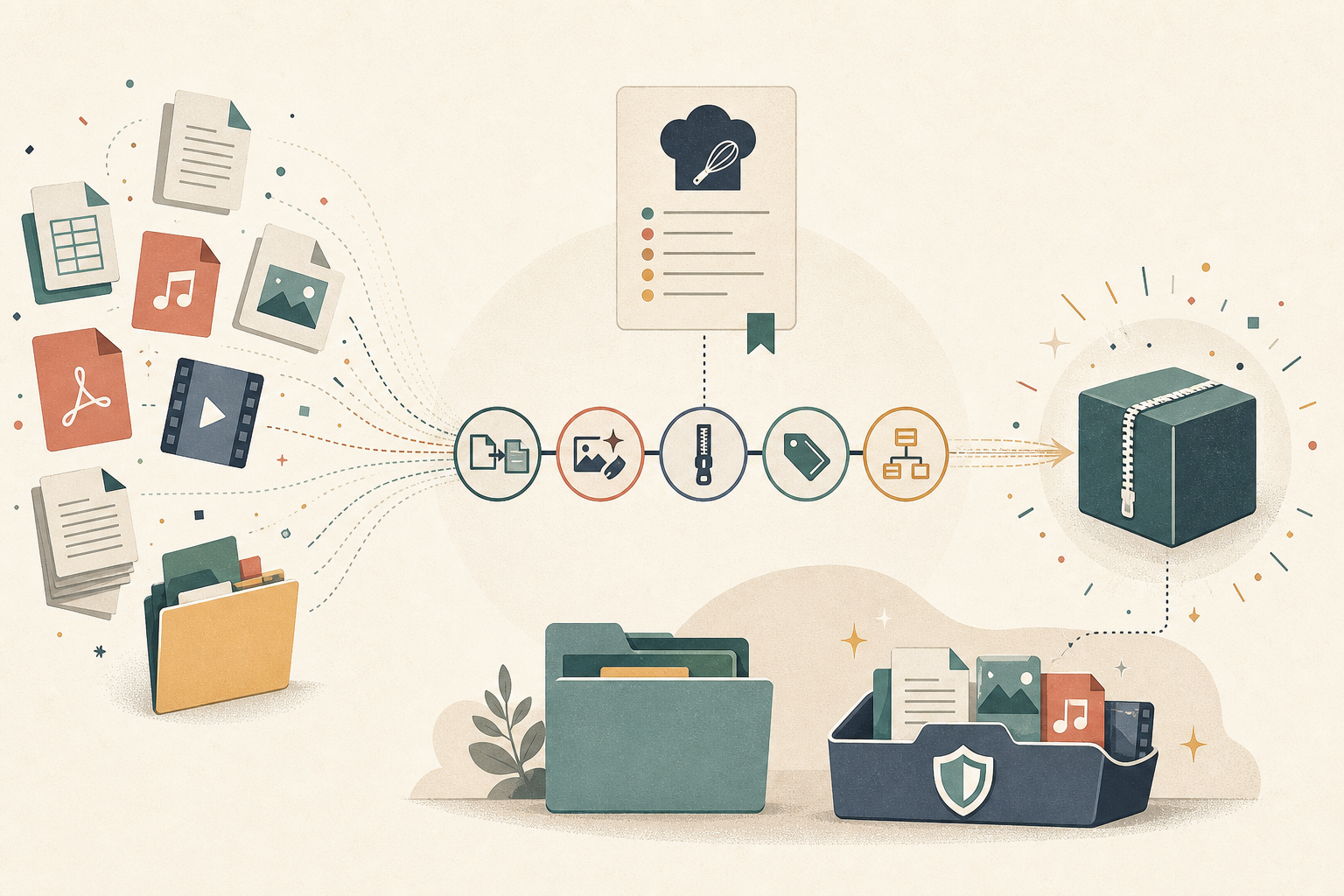
Automate Repetitive File Jobs with Workflow Recipes
Chain compress, rename, strip, and zip into a saved Workflow Recipe you run in one click — or let a watched folder run it for you. The four-tool job becomes one pass.
 featuresJun 19, 20265 min
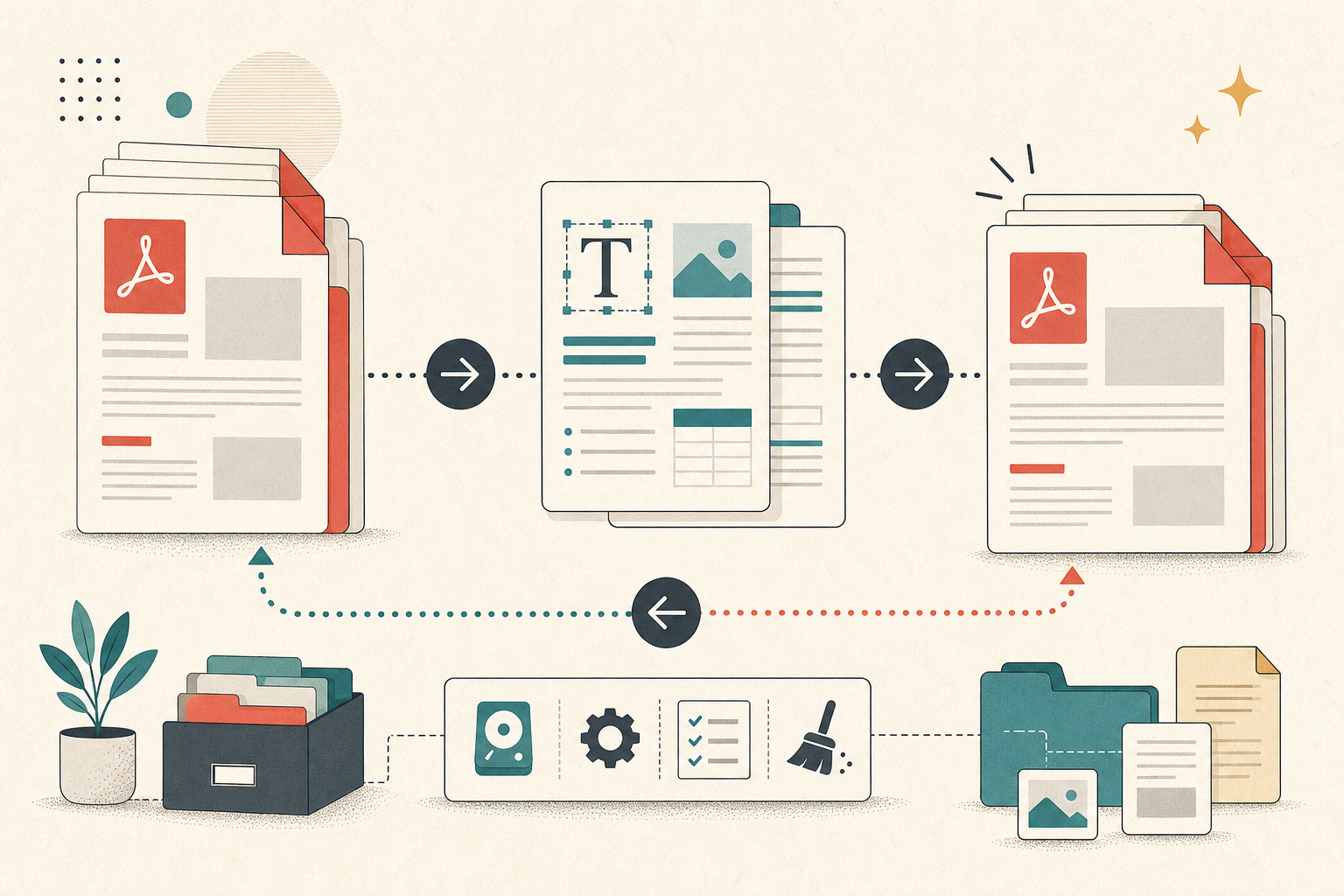
Convert PDF to Word — and Back — Without Uploading a File
1FileTool now converts PDFs into editable Word documents and back again — with OCR for scanned pages, batch folders, and Folder Monitor automation — all on your own machine, nothing uploaded.
 featuresJun 15, 20265 min
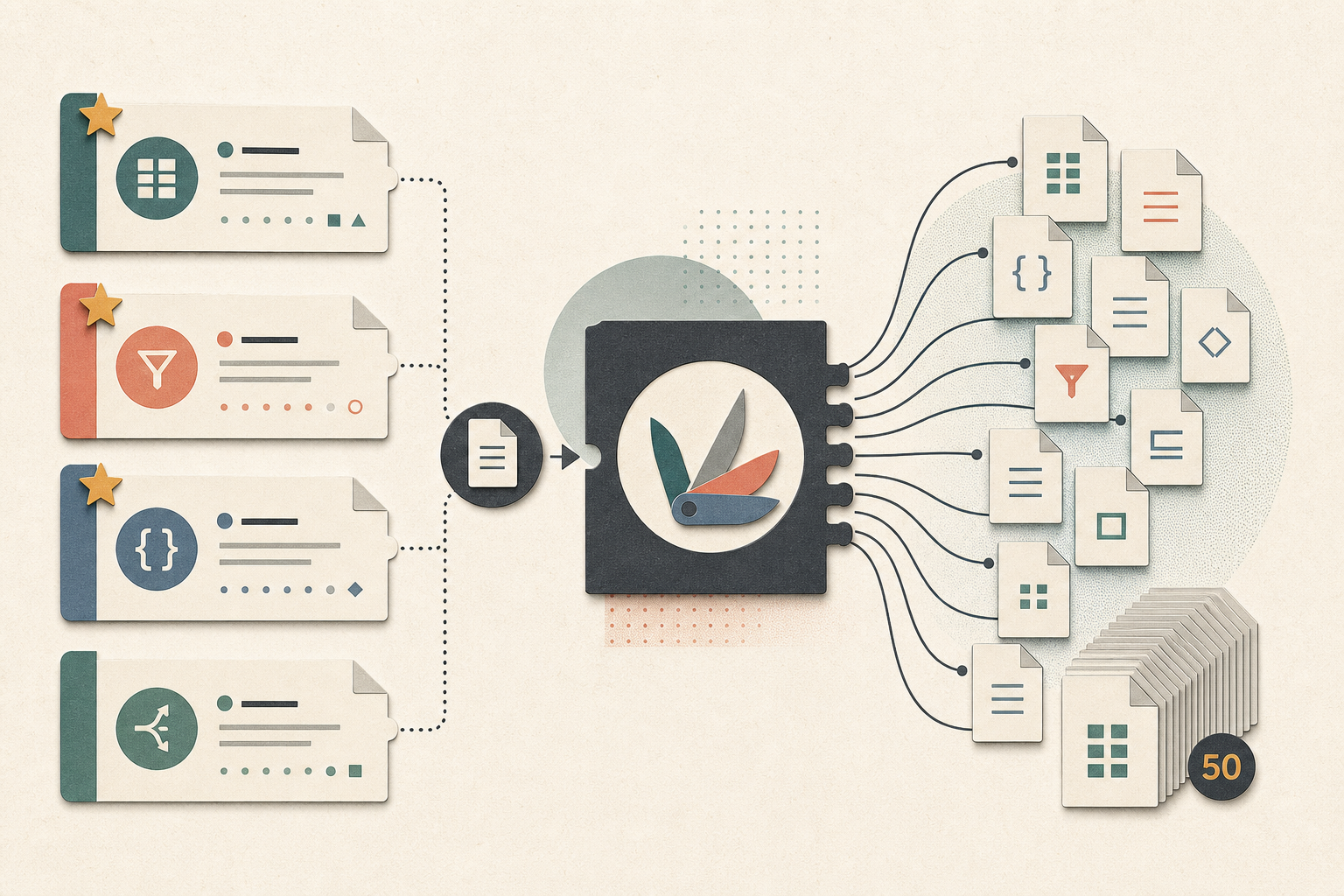
Star Your Favorite Tools — and One Tool Now Handles One File or Fifty
Pin the tools you use most to your Home dashboard, and skip the single-versus-batch guessing game — every tool now takes one file or a whole folder, with a tidier list and tabbed settings.
 featuresApr 3, 20265 min
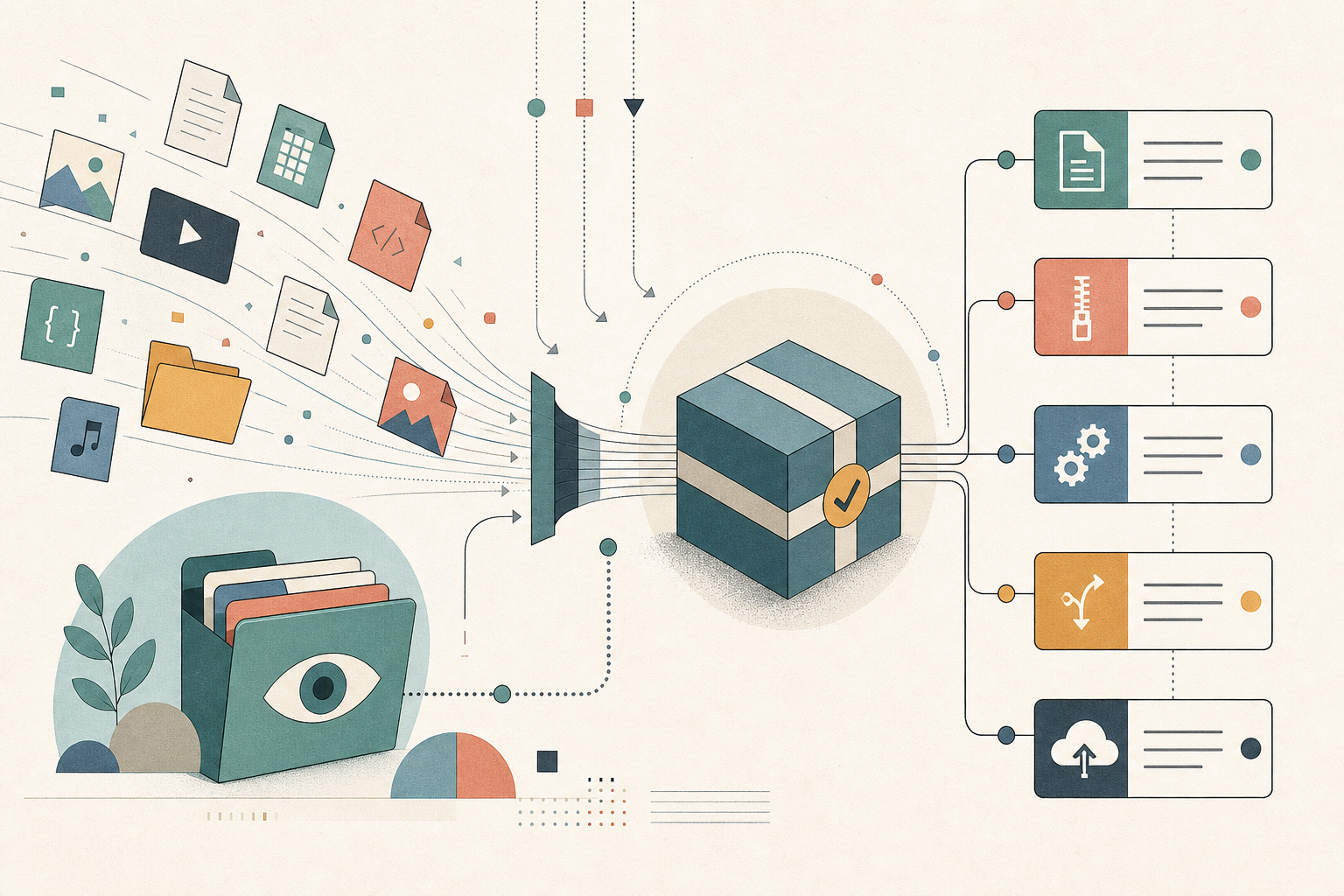
Watch Any Folder. Process Files as They Arrive.
The Folder Monitor watches any folder and automatically applies a tool to every new file — compress, convert, strip metadata — in the background, without you having to touch the tool each time.
 featuresMar 31, 20265 min
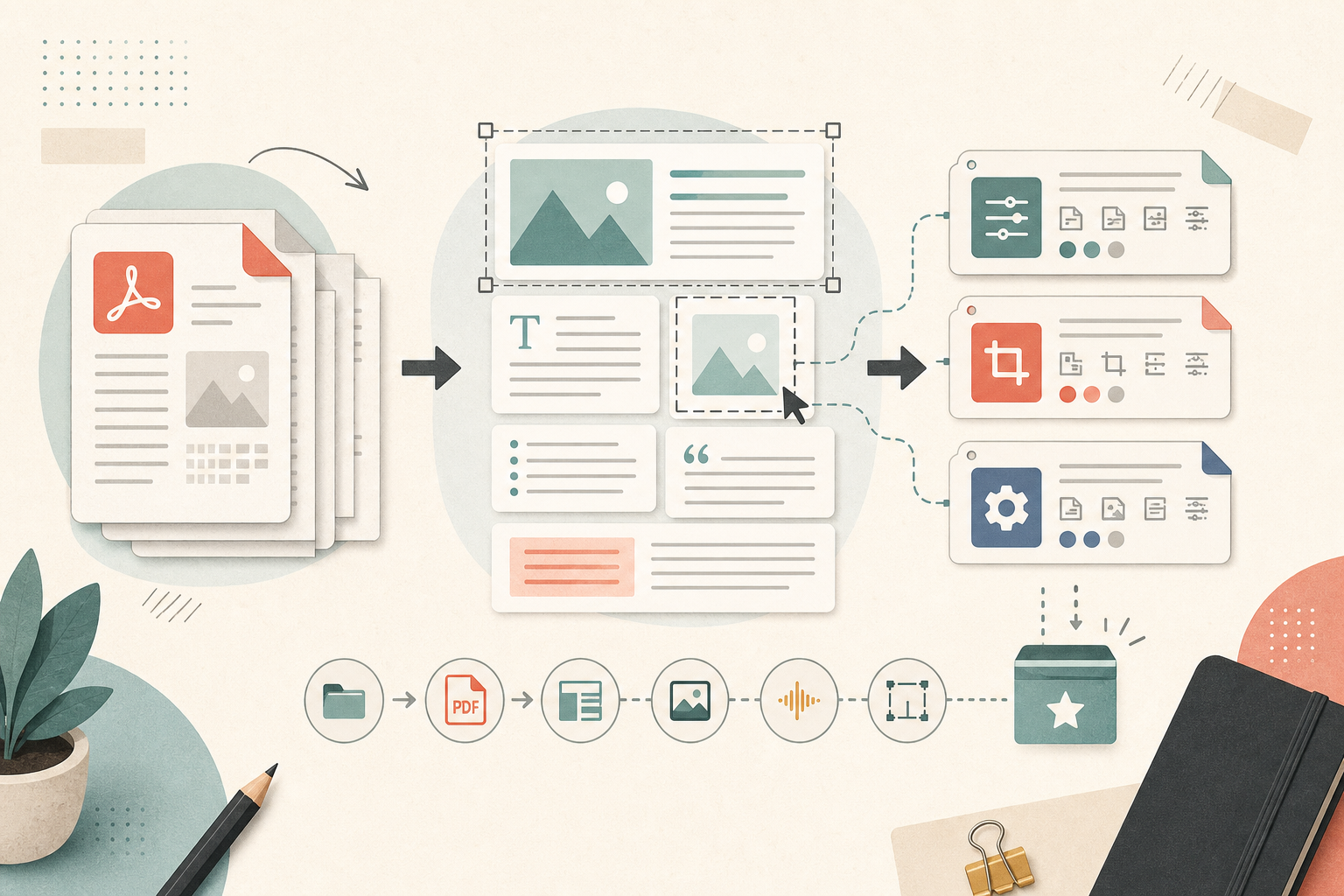
Edit PDFs Visually and Save Your Tool Settings as Presets
1FileTool now has a visual PDF editor — see pages as you rearrange, annotate, and watermark. Plus tool presets: save your settings once and apply them in one click, across every tool.
 featuresMar 31, 20266 min
273 File Tools. Everything Processed Locally.
1FileTool brings 273 tools for PDFs, images, video, audio, text, and more into one app — with every operation running entirely on your device. No uploads, no subscriptions.