Read any document aloud and clean up audio — all on your device
1FileTool's new AI Tools turn documents into natural speech, make chaptered audiobooks, and clean up noisy recordings — entirely offline, with nothing uploaded.

You've got a 40-page report you actually need to get through, but no time to sit and read it — you'd rather listen on the walk to work. Or a voice memo from a meeting that's buried under fan noise and a humming AC. The tools that promise to fix this nearly all want the same thing first: upload your file to their server.
That's a bad trade for anything private. A contract, a medical letter, an unreleased script, an internal recording — once it's on someone else's machine to be "processed," you've lost control of it. And the good AI voices and cleanup tools usually sit behind yet another monthly subscription.
Everything the cloud does, running on your own machine
1FileTool v1.5.0 adds an AI Tools category with three tools that run entirely on your device: Read Aloud, Document to Audiobook, and Voice Cleanup. Your files never leave your computer — the only time anything touches the network is the one-time download of a voice or engine.

Turn a document into speech you can take anywhere
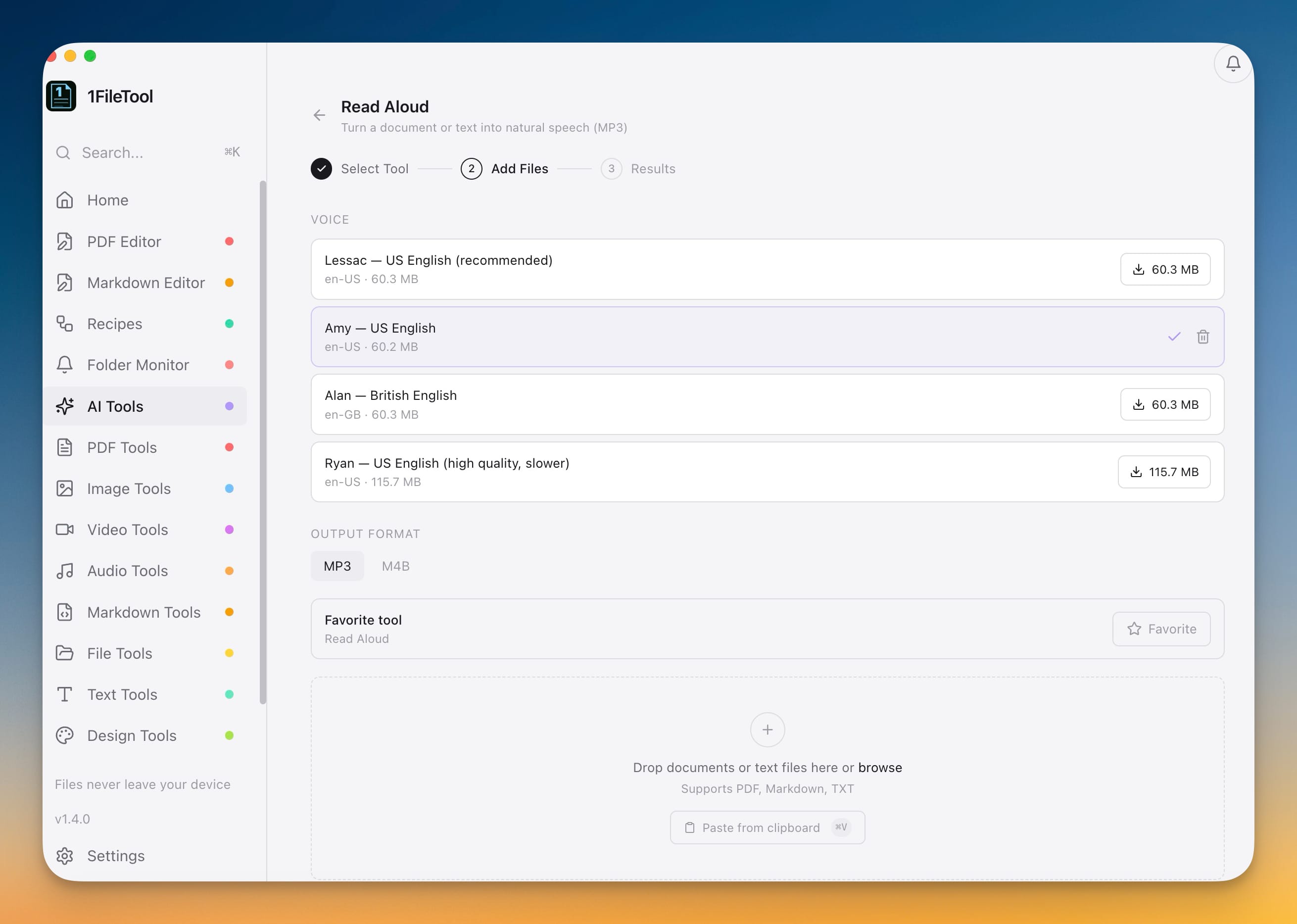
Open Read Aloud, drop in a PDF, Markdown file, or plain text, pick a voice, and choose MP3 or M4B. You get an audio file you can play on your phone, in the car, or anywhere you'd rather listen than read.
The voices are real, natural-sounding models — Lessac and Amy for US English, Alan for British English, and a higher-quality Ryan voice when you want the best read. Each downloads once (around 60 MB), and after that every conversion runs offline. There's nothing to paste into a website and no character meter ticking against you.
Make a real audiobook out of a PDF
Document to Audiobook takes a PDF or Markdown file and produces a chaptered M4B — the audiobook format your player already understands. It pulls the chapters straight from your document's headings and bookmarks, so a long report or an e-book lands with a proper table of contents you can skip around in, not one unbroken three-hour track.
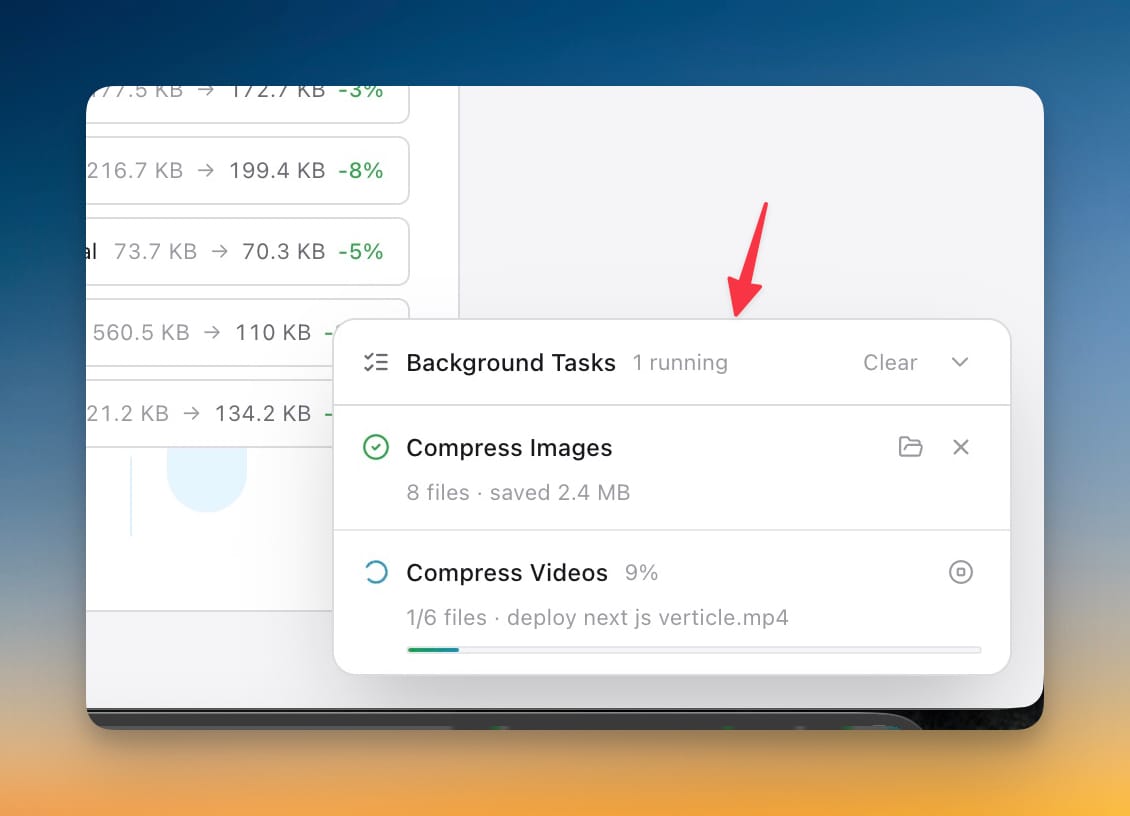
Converting a whole book is a long job, so it runs in the background. A status bar in the corner keeps its progress while you carry on with other tools, and you can reveal the finished file in one click when it's done.
Clean up a noisy recording
Voice Cleanup takes an audio or video file and strips out background noise, hum, and hiss, leaving clear, studio-style speech. Drop in an MP3, WAV, M4A, or even an MP4, and pick how hard to push it — Gentle keeps more of the room tone, Strong is the most aggressive. It's the difference between a voice memo that sounds like it was recorded in a hallway and one that sounds like it belongs in a podcast.
Private by design
All three tools run on small on-device engines — a text-to-speech engine of about 55 MB and a noise-removal engine of about 28 MB — that you download once and then use forever, offline. You can try any tool free with a short preview to hear the result before committing, then go Pro to unlock full-length output and batch processing. Either way, the document or recording itself never leaves your machine.
Before and after
| Getting a document read aloud or a recording cleaned | The usual way | With 1FileTool |
|---|---|---|
| Where your file goes | Uploaded to a web service's servers | Stays on your device |
| Cost | A monthly AI/TTS subscription | Pay once, or a free preview |
| Working offline | Needs a connection every time | Offline after a one-time voice download |
| Audiobook chapters | Manual splitting, or one long track | Chapters pulled from your headings |
| Long conversions | Tab you can't close | Runs in the background with a status bar |
Who this is for
- Commuters and heavy readers who'd rather listen to reports, articles, and e-books than stare at another screen.
- Students and researchers turning dense PDFs into audiobooks to review on the go.
- Podcasters and creators who need a fast noise cleanup without routing raw audio through a cloud service.
- Anyone handling sensitive documents — legal, medical, financial — who can't upload files to a third party in the first place.
Try it
Update to v1.5.0, open the new AI Tools category in the sidebar, and drop in a document or recording. Download a voice once, hit preview to hear it, and you've got read-aloud, audiobooks, and voice cleanup that work entirely on your own machine — no uploads, no subscription required to start.