Remove image backgrounds offline — no upload, no subscription
1FileTool v1.8.0 adds on-device Background Removal: cut out image backgrounds fully offline, batch a whole folder at once, and export transparent PNGs — with nothing ever uploaded.

You've got one clean photo of a product, a headshot, or your dog, and all you actually need is the subject on a transparent background. Simple job. So you search for a background remover, land on a website, and the first thing it wants is for you to drag your photo into a box on their server. You wait in a queue, you get a shrunken preview, and the full-quality download is locked behind a sign-up or a monthly plan. Do it for twenty product shots and you're either paying a subscription or babysitting a browser tab twenty times over.
And some of those images were never yours to hand over — a client's unreleased packaging, staff portraits, a kid's school photo. "Upload your file to remove the background" is a strange thing to agree to for a picture you were trying to keep private in the first place.
Cut out any image without it leaving your computer
1FileTool v1.8.0 adds Background Removal to the AI Tools category — an on-device cutout tool that runs entirely on your Mac or PC. You download a small cutout model once, and after that every background you remove happens locally. No upload, no queue, no watermark, no per-image meter counting down. The photo you drop in never touches a server.

How it works in practice
Drop in one image — or a whole batch
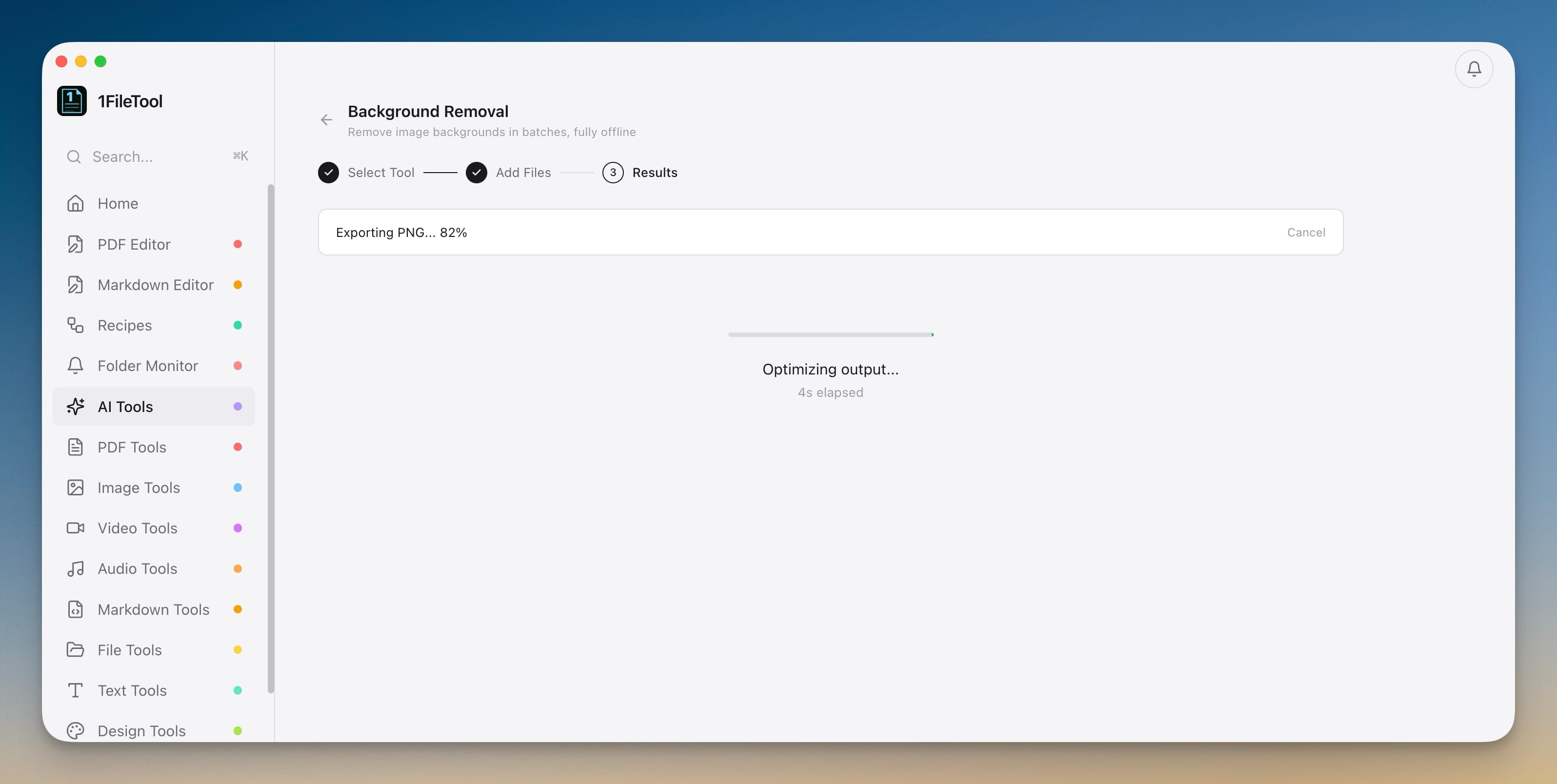
Open AI Tools, choose Background Removal, and drag your images onto the drop zone — or paste one straight from the clipboard. It accepts JPG, PNG, WebP, HEIC, TIFF, AVIF, and BMP, so the HEIC straight off your iPhone and the TIFF out of a scanner both work without a separate conversion step first. Run a single image or select a whole folder at once; each file shows its own progress, and you can cancel mid-run if you grabbed the wrong batch.
Choose what the background becomes
Under Output Background you decide what replaces what you cut away: Transparent for a clean PNG you can drop onto any design, or White, Black, or a Custom color when you need a solid backdrop — a uniform marketplace listing, say, or a consistent set of team headshots. Every image is saved as a brand-new PNG, so your originals stay exactly where they were.
The result is a straight before-and-after: the subject comes out, everything behind it goes.


The first run downloads the model, then you're offline for good
The very first time you use it, 1FileTool downloads its cutout model — a one-time step it shows with a clear size and a progress bar you can cancel. After that, background removal works with no connection at all: on a plane, on a locked-down work network, wherever. This release also upgraded the underlying model to a sharper, higher-resolution one, so edges around hair, fur, and fine detail come out noticeably cleaner, and any transparency your image already had is preserved instead of being filled back in. If you ever want the disk space back, you can delete the model from the same screen and re-download it later.
Skip the menu entirely
Already looking at an image in your files? Right-click it and choose Remove Background to jump straight into the tool with that photo already loaded — no hunting through a tool list first. When you run a batch, each cutout is exported as its own PNG and optimized on the way out.
Before vs after
| Removing a background | The usual way | With 1FileTool |
|---|---|---|
| Where your photo goes | Uploaded to a website's servers | Stays on your device |
| A batch of 20 images | One upload at a time, or a paid tier | Select all, one pass |
| Free output quality | Low-res preview, pay to unlock | 512px preview free, full res on Pro |
| Cost | Monthly subscription | Pay once |
| Working offline | Not possible | Works with no connection |
| File formats in | Usually JPG/PNG only | JPG, PNG, WebP, HEIC, TIFF, AVIF, BMP |
Who gets the most out of it
- Online sellers cleaning up product shots for a marketplace that demands a white or transparent background — batch the whole catalog in a single pass instead of paying per image.
- Designers and content makers who need transparent PNG cutouts to drop into mockups, thumbnails, and layouts, without round-tripping every asset through a web tool.
- Anyone handling private photos — HR headshots, client work under NDA, family pictures — who simply shouldn't be uploading them to a stranger's server just to delete a background.
Try it
Background Removal lives in the AI Tools section of 1FileTool on Mac and Windows. The Free plan lets you try it on 512px previews, so you can judge the cutout quality before committing; Pro unlocks full-resolution output and unlimited batches. Either way, the photo stays on your machine from the first drop to the final PNG — the background disappears, and nothing about the image ever leaves your computer.