Features / Image Converter
Convert images without uploading them
Turn HEIC into JPG, PNG into WebP, and just about any format into another — in batches, offline, on your own computer. Compress and resize in the same pass, with no upload limits and no watermarks.
100% offline · No upload · Free for 8 files/day
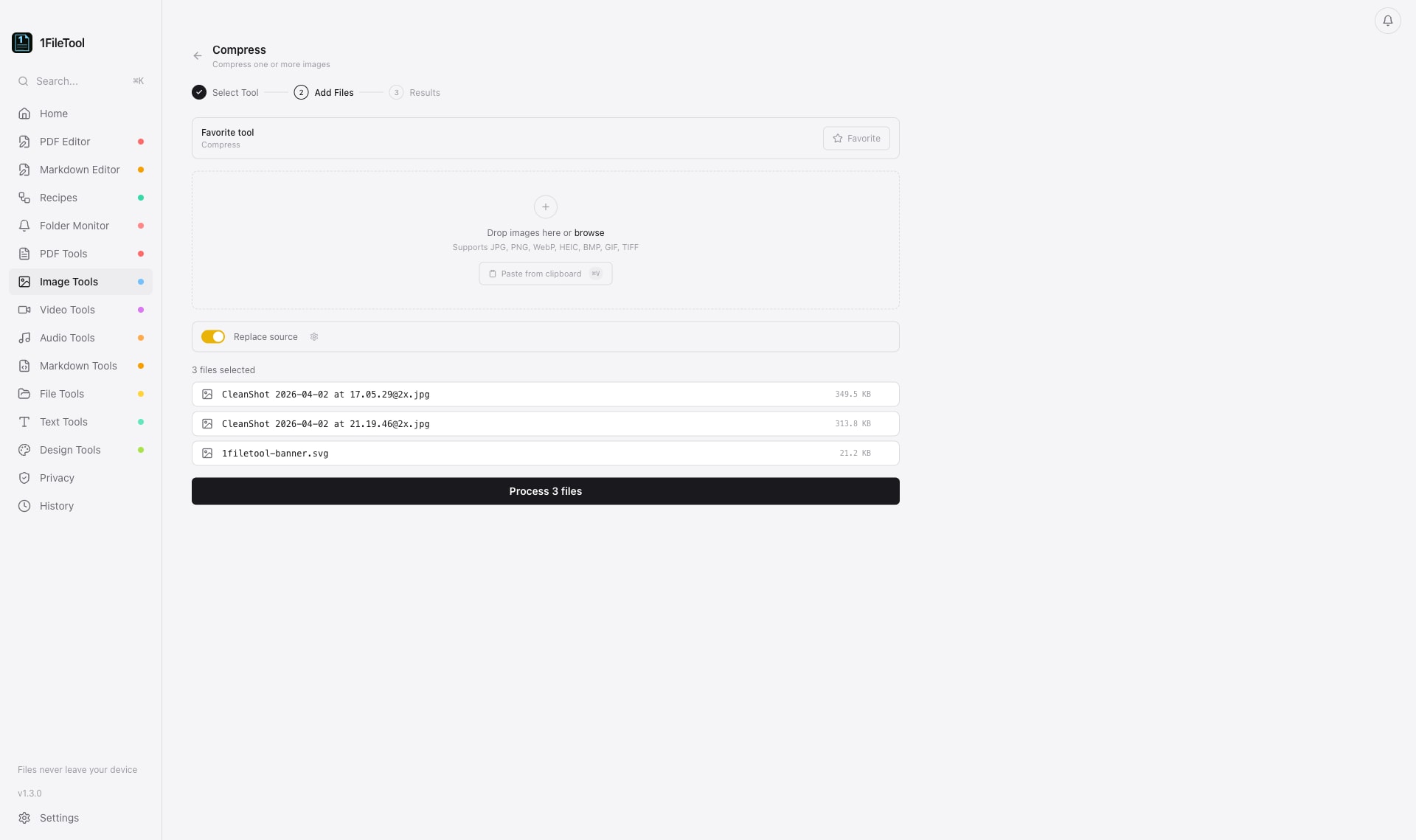
The problem with cloud tools
Online and cloud-based alternatives come with real trade-offs.
Photos uploaded to strangers
Online converters require sending your photos to their servers. Personal pictures, screenshots and product shots end up on infrastructure you cannot see, sometimes retained for hours.
One file at a time, with limits
Free web converters throttle you with file-size caps, daily quotas, queues and watermarks — painful when you have a folder of iPhone HEIC photos to convert.
Quality loss and slow uploads
Re-encoding in the cloud often crushes quality, and large images crawl over slow connections. You wait on the network instead of your CPU.
A real image converter that works on your machine
- Convert HEIC, PNG, JPG, WebP, BMP, TIFF and GIF to JPG, PNG, WebP, TIFF, GIF or ICO
- Batch-convert an entire folder of images in one click
- Compress to shrink file size while controlling quality
- Resize by pixels, percentage, preset or social-media dimensions
- Strip EXIF metadata so location and device data never leak
- No upload caps, no watermarks, no daily queue
What you can do
Built for image converter that stays on your machine.
HEIC to JPG
Convert iPhone HEIC photos to universal JPG or PNG so they open anywhere — entirely offline.
Modern WebP
Convert JPG and PNG to WebP for smaller, faster web images, or convert WebP back to JPG/PNG.
Batch convert
Drop a whole folder and convert hundreds of images at once with consistent settings.
Compress & resize
Reduce file size and change dimensions in the same step using presets or exact pixel values.
Strip EXIF
Remove GPS coordinates, camera model and other metadata before you share an image.
Stays on device
Every conversion runs locally — no upload, no size limit, and it works without internet.
Tools included
Every one of these runs 100% offline inside 1FileTool.
Compress
Compress one or more images
Resize (Pixels)
Change dimensions in pixels
Resize (%)
Scale image by percentage
Resize (Preset)
Use HD, 4K, thumbnail presets
Resize
Resize one or more images
Convert
Convert one or more images
Crop Image
Crop to custom dimensions
Rotate Image
Rotate by 90, 180, or 270 deg
Flip Image
Flip horizontal or vertical
Brightness
Adjust image brightness level
Contrast
Adjust image contrast level
Sharpen
Sharpen image details
Frequently asked questions
Which image formats can I convert?
1FileTool reads HEIC, JPG, PNG, WebP, BMP, TIFF and GIF, and converts them to JPG, PNG, WebP, TIFF, GIF or ICO. You can convert a single image or batch-convert an entire folder at once, all on your own machine.
How do I convert iPhone HEIC photos to JPG?
Open the HEIC to JPG tool, drop in your photos, and convert. Because everything runs offline, even hundreds of HEIC files convert quickly with no uploads and no daily limit on the Pro plan.
Will converting reduce my image quality?
You stay in control. Conversion is lossless where the format allows, and when you compress you choose the quality level — instead of a fixed cloud setting that bakes in quality loss.
Does the converter remove private metadata?
It can. The Strip EXIF tool removes GPS location, camera details and other embedded metadata so your converted images do not quietly carry private information.
Is it free and does it work offline?
Yes to both. All 27 image tools work 100% offline and are free for up to 8 files per day. Pro is a one-time purchase from $29 for unlimited batches.
Explore more capabilities
More ways to process your files privately, on your own device.
Offline PDF Editor
Offline PDF Editor · offline on Mac, Windows & Linux
Video Compressor
Video Compressor · offline on Mac, Windows & Linux
Batch File Converter
Batch File Converter · offline on Mac, Windows & Linux
Free File Converter
Free File Converter · offline on Mac, Windows & Linux
PDF to Word Converter
PDF to Word Converter · offline on Mac, Windows & Linux
Learn how
Step-by-step tutorials and documentation for image converter.
Convert your images the private way
Get 27 offline image tools in 1FileTool. Free for 8 files a day, Pro from $29 one-time.
Get 1FileTool